

Section 01 · Framing the Study
Method1.1
Establish study scope
Determine and record the spatial scope used throughout the analysis. The subject is the place access is assessed to; the catchment is the area access is assessed from. Together, they frame every later measure.
Flux walkthrough1.1
Define the subject and catchment
Colorado Connector Fort Collins, Colorado
Start a new analysis
A new analysis in the Connectivity Analyzer begins with two definitions: the subject and its catchment. We named the analysis Fort Collins Colorado Connector F/LM Study. The name is optional, but it keeps the work identifiable once it is saved.
The subject is active first. It can be drawn, found by search, uploaded, or selected from a saved area. We selected Draw for the proposed station area.
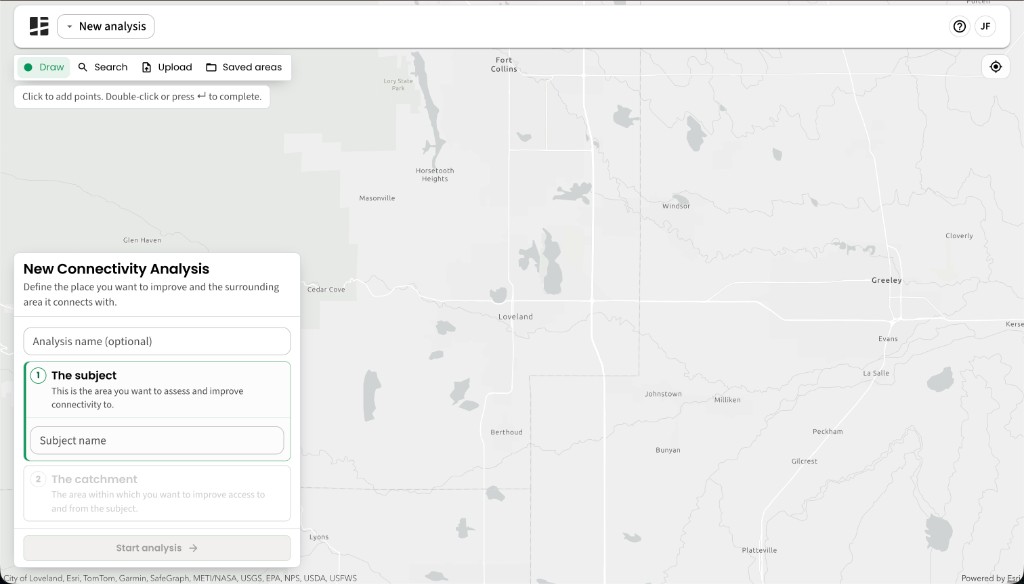
The setup opens with the subject active and the catchment locked until the subject is defined.
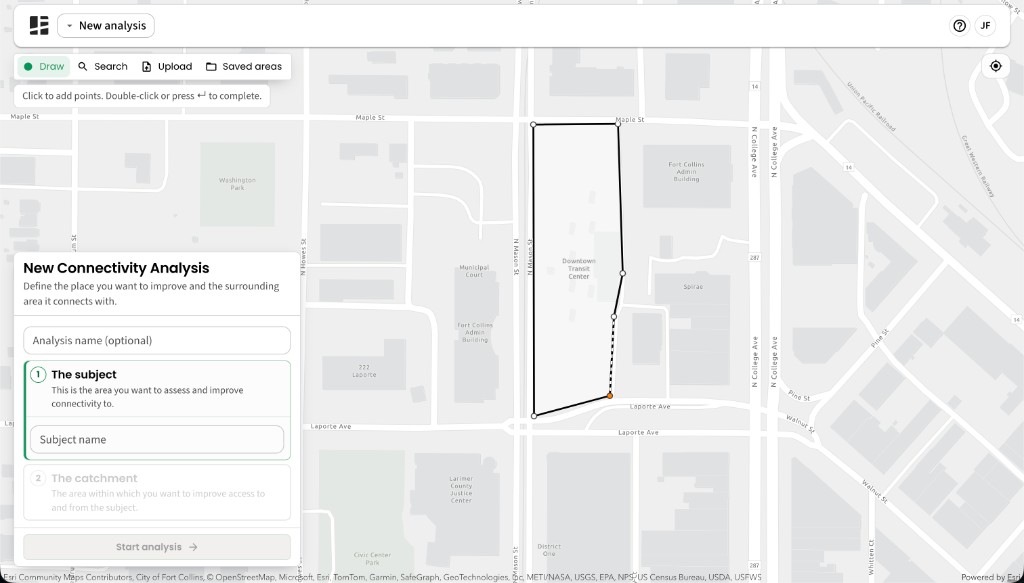
Define the subject as an area
We drew a bounded station area around the Downtown Transit Center rather than marking the subject with a point.
Set the catchment from the subject
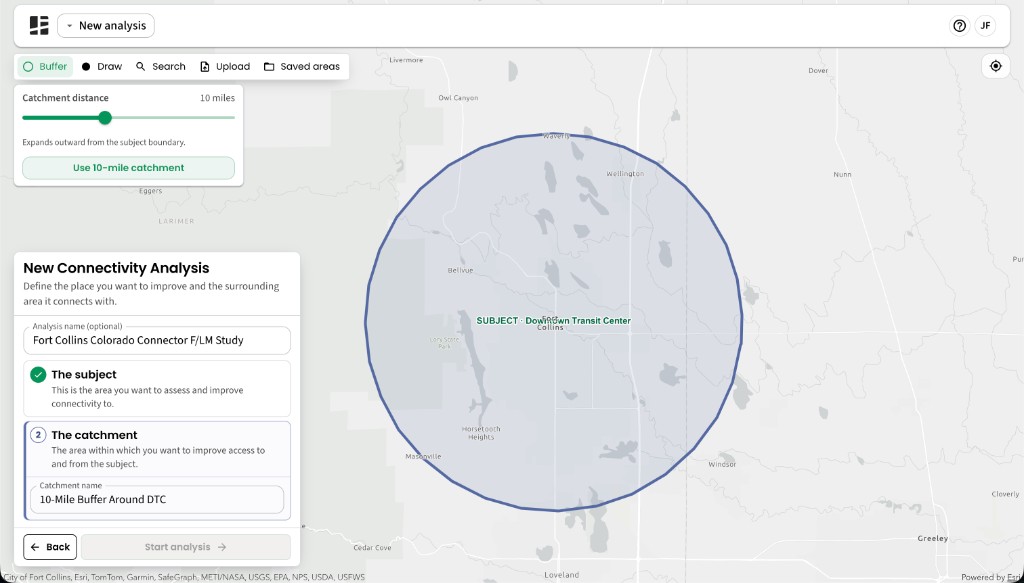
Completing the subject unlocks the catchment. Because the Colorado Connector is a regional rail service, we buffered the subject by 10 miles and named the catchment 10-Mile Buffer Around DTC.
Review and start the analysis
Check both names and boundaries before starting. Once started, the Connectivity Analyzer prepares indicators across the catchment and takes you to the Connection Objectives stage.
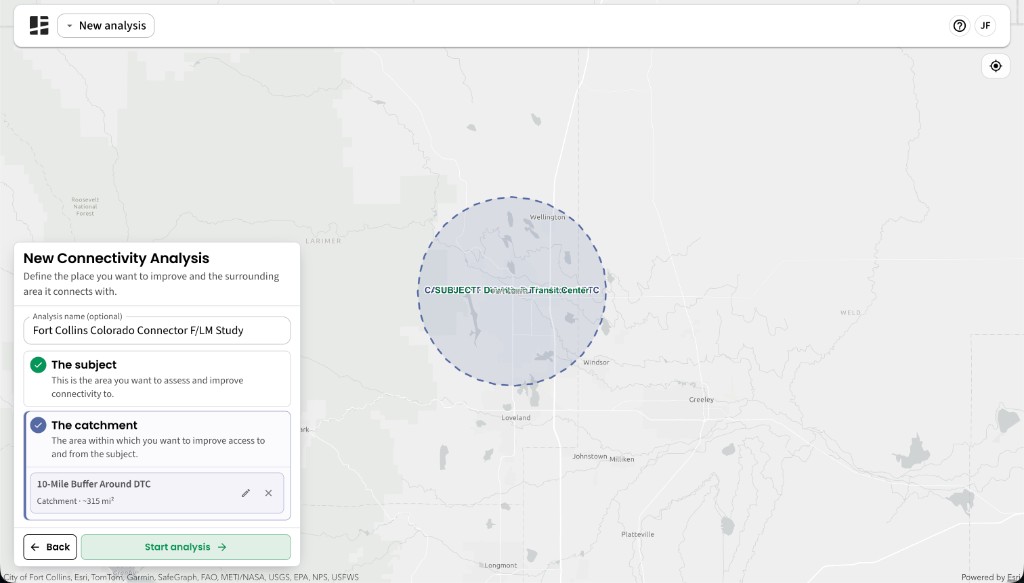
The completed setup records the subject and catchment together. Start analysis becomes available once both are defined.